Getting Started in Littlelands
Your first-day checklist for farm, town, and gentle adventure.
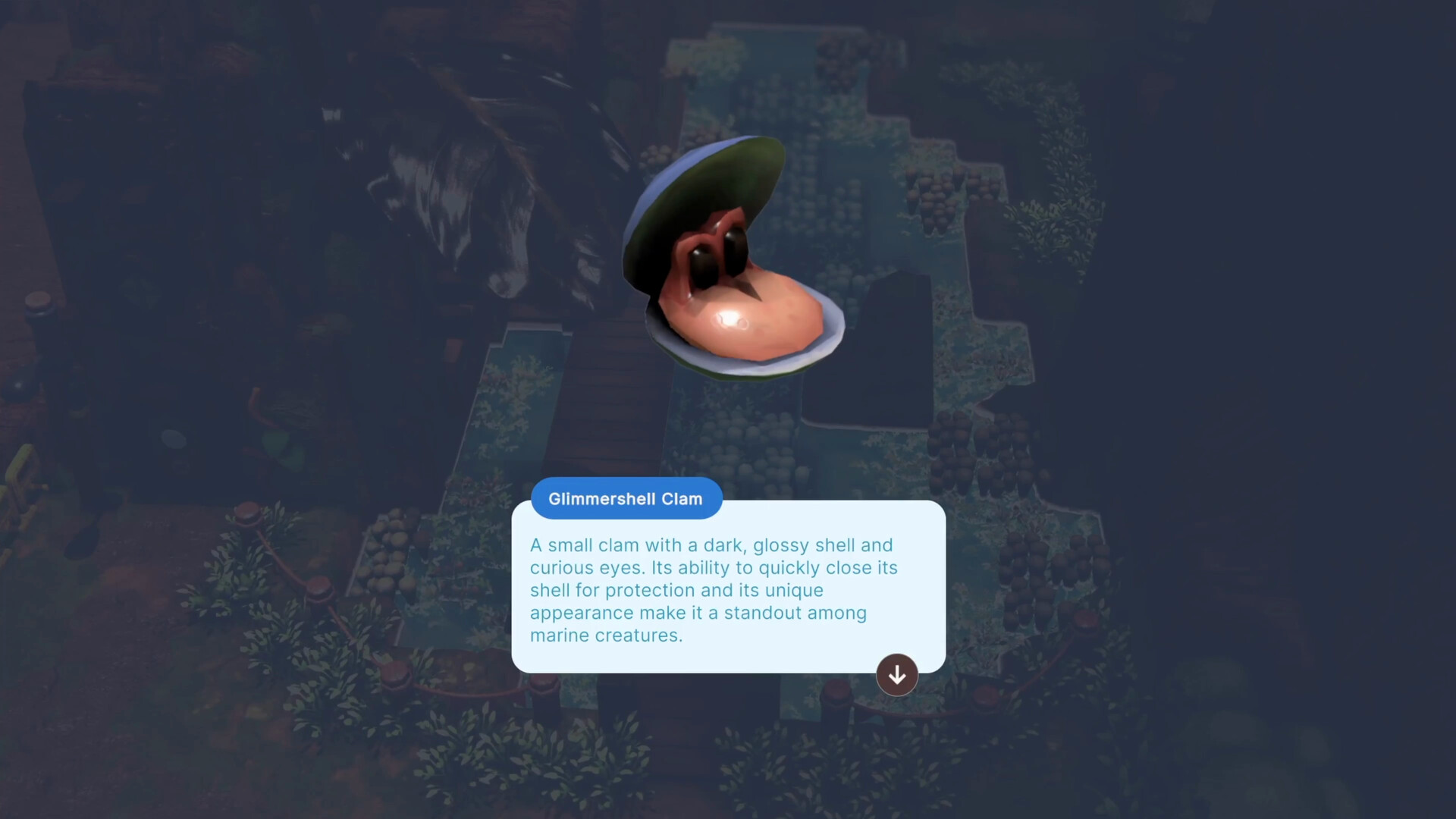
Littlelands is a cozy Steam Early Access adventure that entered Early Access on November 16, 2026. Developers Rafael Martín and Kyle Creamer built a claymation-like world where farming, fishing, bug catching, treasure digging, and light lock-on combat sit side by side. Publisher Apogee Entertainment brings it to Windows via Steam (app 2083660) at $19.99 with a short introductory discount window after launch. This getting started guide covers the first hours so you settle in without wasting time or currency.
There is no wrong way to play, but a few habits make day one smoother: finish character creation carefully, talk to everyone in town, plant berries before you wander, turn on quality-of-life options, and treat combat as optional practice instead of a wall.
Demo tip before you commit
A free demo of about two hours remains on the Steam page. It already shows custom character creation, six unique areas, multiple shops, roughly twenty NPCs, tools to unlock, and seven enemy types — including a Goblin Boss showpiece. If you have not bought Early Access yet, play the demo first. It is the fastest way to learn whether the pace, art, and mix of life sim plus adventure click for you.
If you already own the game, the same first-hour habits apply. Early Access will keep growing through a planned late 2027 exit, so expect polish passes and new content after you settle your farm.
Character creation
You begin by building your adventurer. Early Access expands hairstyles, eyes, facial cosmetics, clothes, hats, and other options — including playful picks like a fish hat. Take a few minutes here. You will see this character in every farm, town, and dungeon scene. Prefer comfort and readability over novelty if you plan long sessions; you can always chase cosmetics later. For a deeper look at customization, see the Character Creator page.
Talk to NPCs first
Walk the town before you sprint into caves. Littlelands is full of eccentric locals, and small jobs open tools, shops, clues, and new routes. Talk to everyone you meet. Helping neighbors is how the story snowballs from a simple task into a trek across the region. Skipping dialogue means missing the mental map of who sells what and which path unlocked last.
Aim for a first loop of greetings, one or two short jobs, then a return to your plot. That rhythm teaches the region without overwhelm.
Plant berries before you explore
Your farm is the early-game anchor. Clear the plot, restore what you can, and plant berries as soon as you are able. Crops grow while you explore, so planting before a trip is free progress. Coming home to a harvest feels better than staring at empty soil after a long walk. Details live in the Farming guide — the short version is plant first, decorate later, cook from what you grow.
Soft systems: fishing, bugs, and digging
Between town and combat, practice calm loops. Fish at water with your rod, catch insects with your net, and dig suspicious ground with your shovel. These activities feed food, materials, and currency for tools and decoration. They also give you a gentle reset when a dungeon feels too sharp. See Fishing and Bugs and the treasure tips in Exploration.
Optional combat practice
Combat uses lock-on, circling, and dodging. It is approachable and never forces complex combos. On day one, pick a single weak creature, lock on, watch one attack, dodge, then hit back. Do not aggro groups. Goblinettes and the Goblin Boss can wait until that habit feels automatic. Full advice is on the Combat page.
Carry both shovel and sword when you leave town: discovery and danger share the same trails.
Settings that save your first session
- Enable the minimap so towns and trails stay readable.
- Turn on Focus Glow so interactable and pick-up objects highlight.
- Prefer a gamepad if you can — the store recommends it and lists full controller support.
- Rebind anything awkward; mouse and keyboard players can enable camera auto-rotation.
- Set an FPS cap if you play on Steam Deck or want cooler, quieter hardware.
More detail: Controls and System Requirements.
First-day checklist
- Create a character you like looking at.
- Talk to every NPC you can reach in town and take small jobs.
- Restore enough of the farm to plant berries.
- Enable minimap and Focus Glow.
- Fish or catch bugs once so the loop feels familiar.
- Dig at least one suspicious patch with the shovel.
- Practice lock-on on one enemy, then walk away if it goes poorly.
- Return home, cook or store what you gathered, and place one decoration if you can spare the funds.
What to unlock next
After day one, deepen farming, expand your tool set, and push into new biomes with the exploration guide. If you want a priority ranking for early tools and activities, open the Early Tools tier list. For roadmap expectations and feedback channels, read Early Access. Official Steam, social, and publisher links sit on the Links Hub.
Littlelands rewards patience. Plant before you leave, listen before you rush, dig when the ground looks wrong, and fight only when you choose to. That is enough to make your first hours feel like home.
Frequently Asked Questions
Quick answers about farming, combat, exploration, and Early Access.
Should I play the Littlelands demo first?
Yes if you have not bought yet. The free demo runs about two hours with six areas, shops, twenty NPCs, tools, and seven enemy types — a solid fit check for Early Access.
What should I do first after character creation?
Talk to town NPCs and plant berries on your farm before long exploration. Jobs unlock tools and routes; crops grow while you are away.
Which settings help beginners most?
Turn on the minimap and Focus Glow, rebind awkward buttons, and consider a gamepad. Mouse and keyboard players can enable camera auto-rotation.
Do I need to fight on day one?
No. Practice lock-on on a single weak enemy when ready. Farming, fishing, bugs, and digging carry you until combat feels comfortable.
Is Littlelands single-player only?
Yes. It is a single-player adventure with full controller support. There is no co-op in the current Early Access plans described on Steam.