Littlelands Exploration Guide
Six areas, caves, dungeons, buried treasure, and tools that keep you oriented.
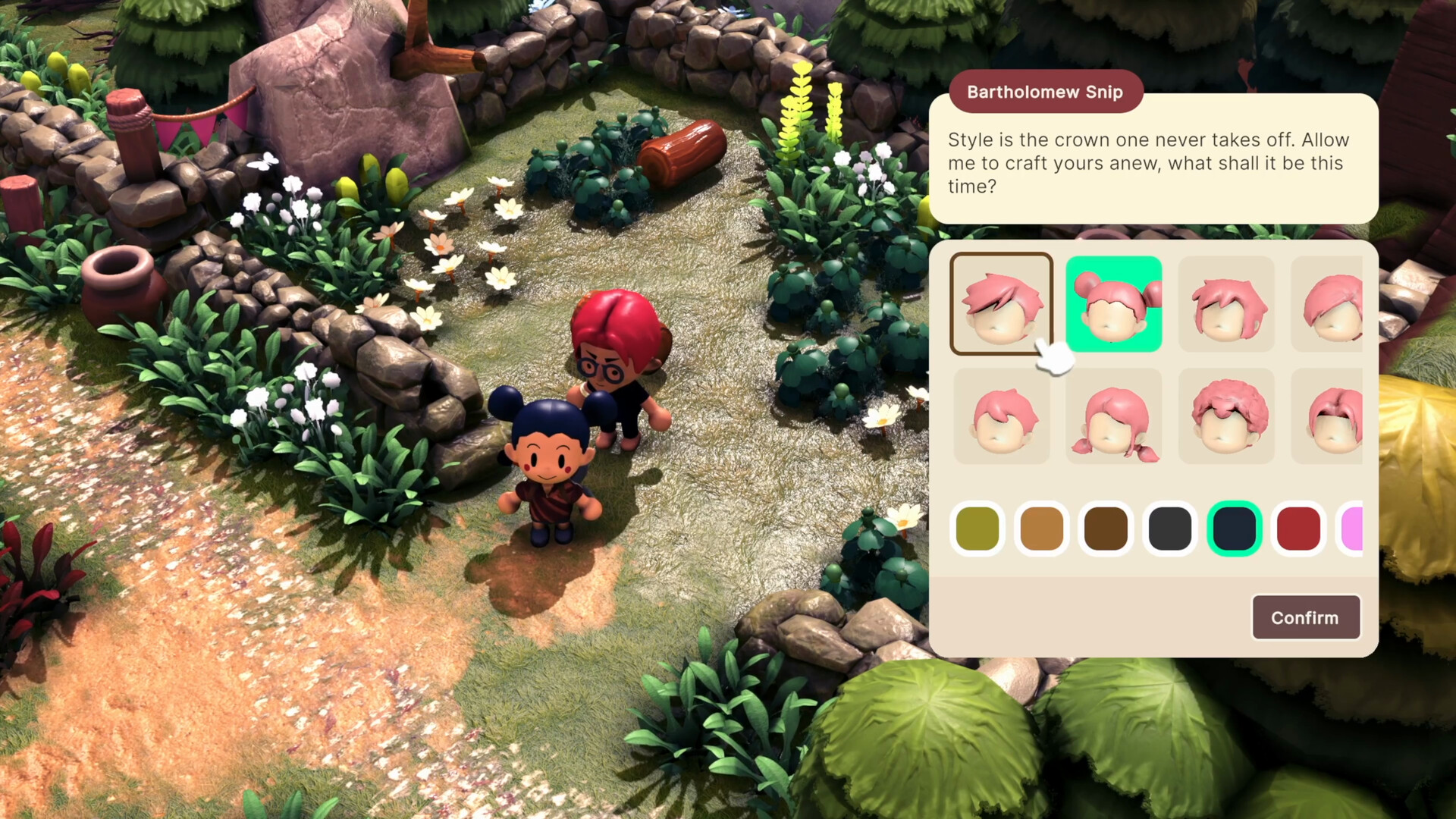
Exploration is where Littlelands flexes its Zelda-like half. Beyond the safety of town and the comfort of your farm lie hills, jungles, deserts, forests, mysterious caves, and dungeons packed with creatures and secrets. This guide covers how to move through the six unique areas confidently, how to use the shovel for buried treasure, why Focus Glow and the minimap matter, and how to mix discovery with optional combat without getting overwhelmed.
Pair this page with Getting Started for day-one habits and Farming so you always plant before a long route.
The six-area mindset
Marketing and demo notes highlight six unique areas with shops, NPCs, and trails that reward curiosity. You do not need to clear them like a checklist on day one. Treat each area as a mood and a resource set: some favor fishing water, some dense insect routes, some riskier combat, some story jobs. Open a new area when you have food, inventory space, and a reason — a quest clue, a tool unlock, or simple curiosity.
Talk to locals before you leave town. About twenty NPCs populate the experience shown in the demo and Early Access window, and their small favors often snowball into longer adventures. Exploration without dialogue is just walking; exploration after jobs is navigation with purpose.
Caves and dungeons
Caves and dungeons are the sharper edge of the map. Expect bats, skeletons, looting goblins, and boss pressure deeper in. Enter with a sword and a shovel. The sword handles creatures using lock-on, circling, and dodging from the Combat guide. The shovel pays for the trip when you spot diggable ground or loot opportunities.
Dungeon etiquette for Early Access:
- Clear one room’s threat before greedily opening every container.
- Fight one enemy at a time when pulls allow.
- Bank valuables in town between deep pushes.
- Leave if supplies or focus drop — the farm still grows while you reset.
The Goblin Boss and Goblinettes show what dungeon fantasy looks like here: approachable action wrapped in a handcrafted, claymation-like world — not a hardcore action tax on the cozy fantasy.
Shovel treasure
Bring your shovel everywhere. Suspicious ground hides treasure that funds tools, seeds, and decoration. Digging is one of the highest value early activities ranked in our Early Tools list because it converts attention into currency without forcing combat.
Treasure habits:
- Scan the edges of trails, ruins, and scenic overlooks.
- Dig when Focus Glow or visual cues suggest interactivity.
- Stop digging instantly if an enemy wind-up starts.
- Return to town when bags are heavy rather than dying rich in a cave.
Shovel work pairs naturally with Fishing and Bugs: water, meadows, and dig spots often share routes.
Focus Glow
Focus Glow is an optional visual effect that highlights objects you can pick up or interact with. Turn it on while you learn the art style and item language of Littlelands. Claymation-like scenes are gorgeous and busy; glow reduces the chance you walk past a gatherable or interactable. You can disable it later if you prefer a cleaner screenshot look, but beginners should leave it on.
Combine Focus Glow with deliberate camera movement. Mouse and keyboard players can enable camera auto-rotation for smoother traversal; gamepad players already benefit from full controller support recommended by the store page. Details live on Controls.
Minimap
The minimap was added after community requests and makes towns, trails, and the wider countryside easier to read. Keep it enabled. Use it to:
- Orient after emerging from a cave.
- Plan multi-stop days (farm → fish → dig → NPC).
- Find your way back when a fight goes sideways.
- Mark mental notes of shops across areas.
Without the minimap, Littlelands’ sprawling countryside is easier to romanticize and harder to navigate. With it, exploration stays cozy instead of confusing.
Suggested exploration loop
- Plant crops on the farm.
- Enable minimap and Focus Glow.
- Accept any short NPC jobs in town.
- Walk a chosen area: net bugs, fish water, dig treasure.
- Practice or skip combat based on readiness.
- Enter a cave only with food and clear bags.
- Return home to cook, store, and optionally decorate.
This loop keeps discovery sustainable. It also matches how Early Access wants you to play: your adventure, your pace, your Littlelands.
Biomes and tone
Hills, jungles, deserts, forests, towns, and mysterious caves each change the mood without demanding a new genre. Desert light feels different from jungle density; town squares reset social energy; caves raise stakes. Sample widely, but master one route before you collect unfinished threads in every direction. Depth beats tourism when systems are still expanding toward a late 2027 1.0.
Hardware and comfort on the road
Littlelands is light on specs — Intel Core i3, 4 GB RAM, GTX 560 / HD 6970 class, 4 GB storage — and lists full controller support. That makes handheld-style play on Steam Deck attractive even though official Deck verification may lag. Cap FPS for battery and thermals when you roam for hours. See System Requirements.
Staying updated
New areas, dungeon tweaks, and navigation helpers may arrive during Early Access. Follow patch context on the Updates Hub and Early Access pages, and keep official channels bookmarked via the Links Hub.
Exploration in Littlelands rewards attention: glow on the shiny thing, dig the odd soil, talk to the weird neighbor, open the minimap when the trail forks, and only draw the sword when you mean it. Do that, and the six areas feel like a home region instead of a checklist.
Frequently Asked Questions
Quick answers about farming, combat, exploration, and Early Access.
How many areas are in Littlelands at launch?
Demo and Early Access materials highlight six unique areas with shops, NPCs, and trails. More content is expected before the late 2027 full release.
What is Focus Glow?
An optional effect that highlights objects you can pick up or interact with. It helps you spot gatherables and interactables in busy scenes.
Why is the minimap important?
It was added from community feedback to make towns, trails, and the countryside easier to navigate — especially across multi-stop exploration days.
Should I always carry a shovel?
Yes. Buried treasure funds tools and decoration. Carry a sword for danger and a shovel for discovery on every outing.
When should I enter dungeons?
After you have food, inventory space, and basic lock-on comfort. Leave if pulls get messy — farming and gathering loops will still progress your account.